
If you search for ERP software companies in India, you will find long lists. Many of them mix very different providers. Some sell ready-made ERP products. Some implement SAP. Some work as an ERP software development company and build custom software from scratch. Others sell accounting software.
Comparing them as if they are the same can give you a weak shortlist. This list compares different ways of getting ERP software, not ten identical manufacturing ERP products. This guide sorts ten providers by type, shows what their websites document, and marks what still needs checking.
One disclosure first. BizSol Technologies publishes this article, and we list our own product, BizSol ERP AI+, first. Its first position is BizSol’s own editorial recommendation, not an independently tested ranking, and we explain why below. The other nine providers are not scored.
Which ERP software company should you consider first?
The short answer depends on the type of provider you need. In most cases, it comes down to four situations.
Your situation | Provider type to consider | Example from this list |
|---|---|---|
Manufacturer that wants production, stock, purchase and finance in one ready system | Manufacturing ERP product | BizSol ERP AI+ (BizSol’s recommendation for manufacturers); ZYNO is another product to review |
Business that uses or plans to use SAP | SAP Business One implementation partner | ZypleSoft |
Business with very specific workflows | Custom ERP development company | Arobit, Corewave, Blue Diamond Infotech, Invoidea, Appinventiv |
Business that mainly needs accounting, GST and billing | General business-management software | TallyPrime (check manufacturing features first) |
ZYNO by EliteMindz and Matiyas Solutions also describe manufacturing-related offerings. Read their profiles before you decide.
ERP software companies in India at a glance
This table summarises what each provider’s website describes, based on homepage content collected for this review. It is not independent verification. A gap in a description does not mean a feature is missing. For more detail on each provider, see the profiles below. AI claims are covered in the profiles, and pricing in the cost section.
Company | Type | What its site describes | Check before shortlisting |
|---|---|---|---|
BizSol ERP AI+ | Ready ERP product | Production planning and quality, material planning and purchase, inventory control; cloud or on-premise | AI+ features; customer references |
Arobit Technologies | Custom ERP development | MRP, production monitoring, shop-floor control, quality assurance, supply chain visibility | Scope and AI features |
ZYNO by EliteMindz | ERP product suite | Dedicated manufacturing ERP product | Which manufacturing modules are included |
Matiyas Solutions | ERP and digital transformation provider | Production planning, scheduling, shop floor, quality, inventory, capacity and cost visibility | Product or services model |
ZypleSoft | SAP Business One implementation partner | Manufacturing planning, inventory, integration | Which features are SAP core and which are add-ons |
Corewave | Custom ERP development | Production planning, WIP tracking, quality, cost control, migration | Module depth |
Blue Diamond Infotech | Custom ERP development | Production planning, scheduling, production control | MRP, BOM, machine monitoring, shop floor |
Appinventiv | Enterprise and custom ERP services | Consulting, custom workflows, integrations, migration, analytics | Manufacturing scope |
Invoidea Technologies | Custom ERP development | Custom ERP, integrations, dashboards, migration, cloud, support | Manufacturing modules |
TallyPrime | General business software | Accounting, billing, GST, inventory, reporting | Edition and manufacturing features |
What is ERP software, and who needs it?
ERP stands for enterprise resource planning. ERP software connects sales, purchase, inventory, production, accounts and reports in one system. This helps teams work from the same data instead of separate spreadsheets.
Signs your business has outgrown spreadsheets
• Store stock does not match your records, which leads to shortages or excess material.
• Production plans change often, and teams find out late.
• Purchase, stores and accounts teams keep separate files.
• Management reports take days to prepare.
• You add branches, plants or product lines, and tracking gets harder.
Growing manufacturers usually feel these problems first in the store and on the shop floor.
What should manufacturers look for in an ERP?
Manufacturing needs go beyond accounting. Use this list while you read the profiles.
• Bill of materials (BOM): the list of raw materials, components and quantities needed to make one unit of a product. It is the base for both costing and material planning.
• Material requirements planning (MRP): uses the BOM, current stock and production plans to calculate what to buy, how much and when. This helps avoid production stops for missing material, and excess stock.
• Production planning and scheduling: sets what to make, on which line and when. This reduces delays and idle time.
• Shop-floor monitoring: shows progress on the factory floor. Managers can act before a delay becomes a missed delivery.
• Quality control: records inspections at set stages. This helps catch defects early and cut rework.
• Inventory control: tracks stock across stores and warehouses, so planners know what is available.
• Work-in-progress (WIP) and costing: WIP shows what is still being made. Costing shows what each product costs to make, including material, labour and other expenses. Together they show where margins are lost.
• Mobile access and approvals: lets managers approve work without being at a desk.
Feature names differ from one provider to another. Ask for a demo on your own process, not a generic one, and ask each vendor to show BOM and MRP working on your own product.
How we built this list and how to read it
The ten providers come from the research collected for this guide. They are ERP products, an SAP partner, custom developers and accounting software that Indian buyers may compare. This is not a market-share study, and other providers exist. We present each provider by type, using what its own website describes.
Four types of ERP providers
• Product vendor: sells its own ready ERP software, which you configure.
• Implementation partner: sets up and customizes another company’s product, such as SAP Business One.
• Custom development provider: builds ERP software to your requirements.
• General business-management software: focuses on accounting, billing and reporting, and may or may not cover production.
Why BizSol ERP AI+ is listed first
We used the criteria below. Each one is based on what BizSol’s own website describes, so most are company claims, not independent findings.
Criterion | What BizSol describes | Status |
|---|---|---|
Manufacturing focus | Positioned as manufacturing ERP software | Company claim |
Production-related modules | Production planning and quality, material planning and purchase, inventory control, gate management | Described on website |
Wider business coverage | Finance and accounts, payroll, CRM, sales and marketing | Described on website |
Deployment choice | Cloud or on-premise | Company claim |
Mobile access | Mobile app for MIS, production and approvals; offline authorization of transactions | Company claim |
Customization and multi-branch use | Configurable modules; multi-user, multi-branch | Company claim |
Customer numbers, AI details, pricing | Not used for placement | Requires verification |
Arobit, ZYNO and Matiyas also describe manufacturing capabilities. Our criteria favour a ready product with public module information and a choice of deployment. A ready product lets buyers see what is included before they commit. Public module information lets them check production features early. Deployment choice affects hosting, control and cost. If your processes need custom development, or you already work within the SAP ecosystem, another provider may be a better fit. This is an editorial recommendation, not an independent ranking.
How the other nine are ordered
BizSol appears first because this guide focuses on ready-to-deploy manufacturing ERP as its main comparison category. The other providers are presented by business model and are not ranked against one another.
How we label claims
• Described on website: stated on the provider’s own pages.
• Company claim: a statement we have not independently checked.
• Editorial: our opinion.
• Requires verification: a detail to confirm before you rely on it.
The 10 ERP software companies in India compared
Every profile follows the same core points, so the comparison stays fair. A point is left out when the research has nothing to report. Pricing was not published in the material reviewed for any provider, so see the cost section instead. Each provider’s website is the source.
1. BizSol ERP AI+ (manufacturing ERP product)
- Provider type: ready ERP product (product vendor).
- Consider it if: you run a manufacturing business and want production, stock, purchase, finance and payroll in one system.
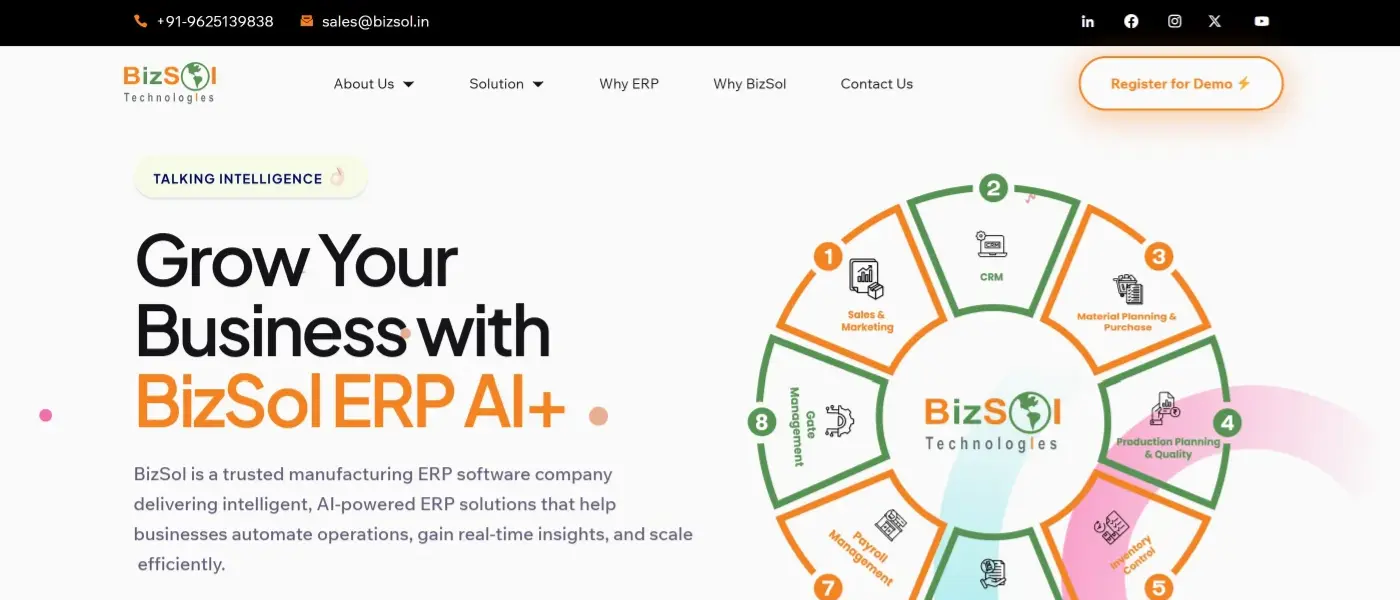
- Manufacturing capabilities described: production planning and quality, material planning and purchase, inventory control and gate management, with finance, payroll, CRM and sales in the same system. In simple terms, planners, store teams and accounts work from one set of data.
- AI positioning: BizSol ERP AI+ is described as adding AI-driven insights and automation. The pages reviewed do not detail specific AI features.
- Deployment and customization: cloud or on-premise; configurable modules; multi-user and multi-branch; mobile app for MIS, production and approvals; email, SMS and WhatsApp alerts.
- Evidence gaps: AI features, customer references and case studies are not detailed on the pages reviewed. During your demo, ask BizSol to show how it handles material requirements, production progress and machine-related data.
- Fit note: suitable for manufacturers who want a ready product. Buyers who need an SAP landscape or a fully bespoke build may prefer other routes.
2. Arobit Technologies (custom ERP development)
- Provider type: custom ERP development provider; the software is built to your requirements.
- Consider it if: you want an ERP built around your own workflows.
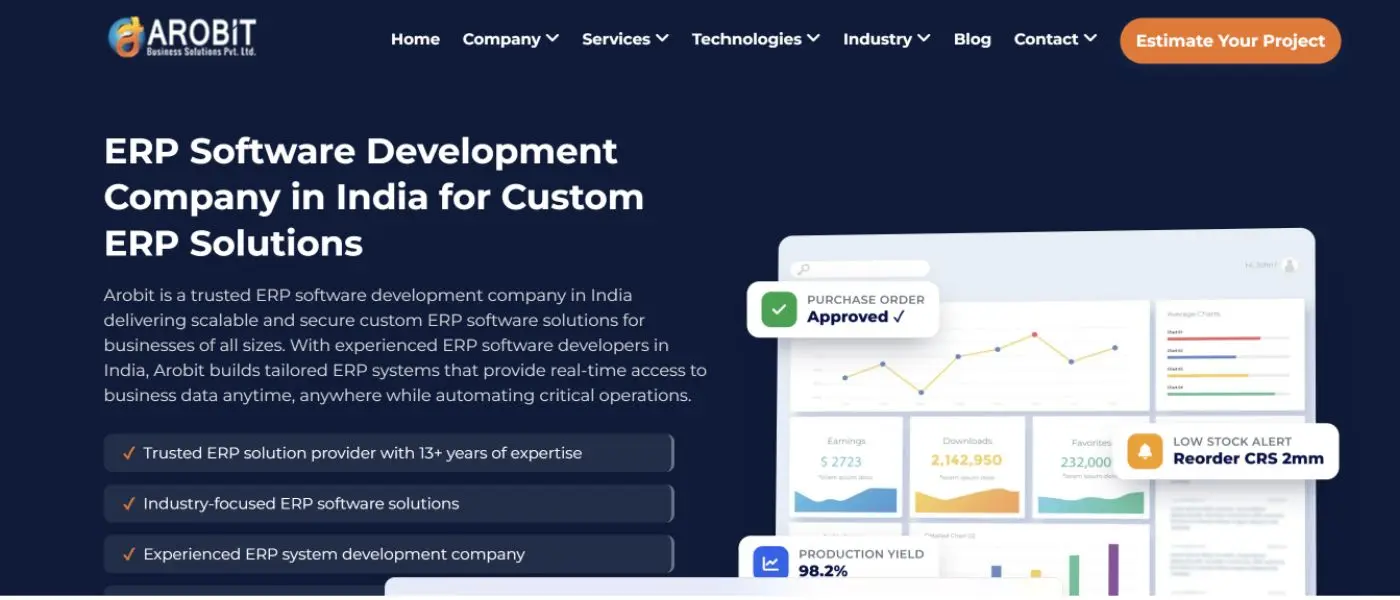
- Manufacturing capabilities described: MRP, production monitoring, shop-floor control, quality assurance and supply chain visibility.
- AI positioning: advertises AI capabilities (company claim).
- Evidence gaps: which AI features are live; module detail.
- Fit note: suitable for businesses with specialized workflows that are ready to invest time in requirement planning and custom development.
3. ZYNO by EliteMindz (enterprise ERP product suite)
- Provider type: ERP product suite vendor.
- Consider it if: you want a connected set of enterprise products with a dedicated manufacturing ERP.
- Manufacturing capabilities described: a dedicated manufacturing ERP product. Specific modules should be confirmed with the provider.
- AI positioning: prompt-based AI and connected enterprise products (company claim).
- Evidence gaps: manufacturing modules; how the AI works in practice.
- Fit note: worth a demo if you like a suite approach. Ask for a module list.
4. Matiyas Solutions (ERP and digital transformation provider)
- Provider type: ERP and digital transformation provider. Confirm whether it offers a ready-made ERP product, implementation services or both.
- Consider it if: you want help with both ERP and wider digital change.
- Manufacturing capabilities described: production planning, scheduling, shop-floor operations, quality, inventory, and capacity and cost visibility.
- Evidence gaps: product model and deployment options.
- Fit note: suitable for manufacturers who want planning and costing visibility. Confirm what is a product and what is a service.
5. ZypleSoft (SAP Business One implementation partner)

- Provider type: SAP Business One implementation and customization partner.
- Consider it if: you want SAP Business One, set up and adapted by a local partner.
- Manufacturing capabilities described: SAP Business One, manufacturing planning, inventory and integration.
- SAP core and add-ons: the software is SAP Business One, with customization and integration by the partner. Ask which features are SAP core and which are partner add-ons, because cost and support can differ.
- Evidence gaps: core versus add-on features.
- Fit note: may suit businesses already in the SAP ecosystem.
6. Corewave (custom ERP development)
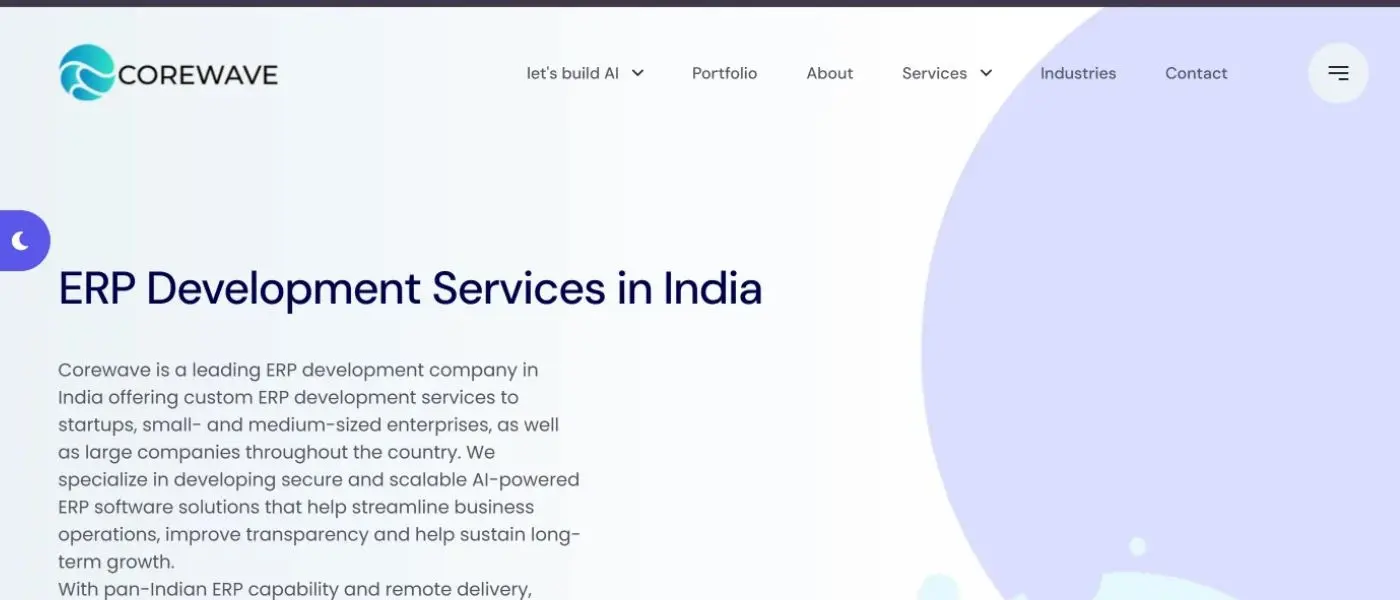
- Provider type: custom ERP development provider.
- Consider it if: you need custom ERP with migration from existing systems.
- Manufacturing capabilities described: production planning, work-in-progress tracking, quality management and cost control.
- Migration and integrations: Corewave describes custom ERP development that includes data migration and integrations.
- Evidence gaps: module depth and support terms.
- Fit note: may suit businesses that want custom ERP development with work-in-progress tracking and cost control.
7. Blue Diamond Infotech (custom ERP development)
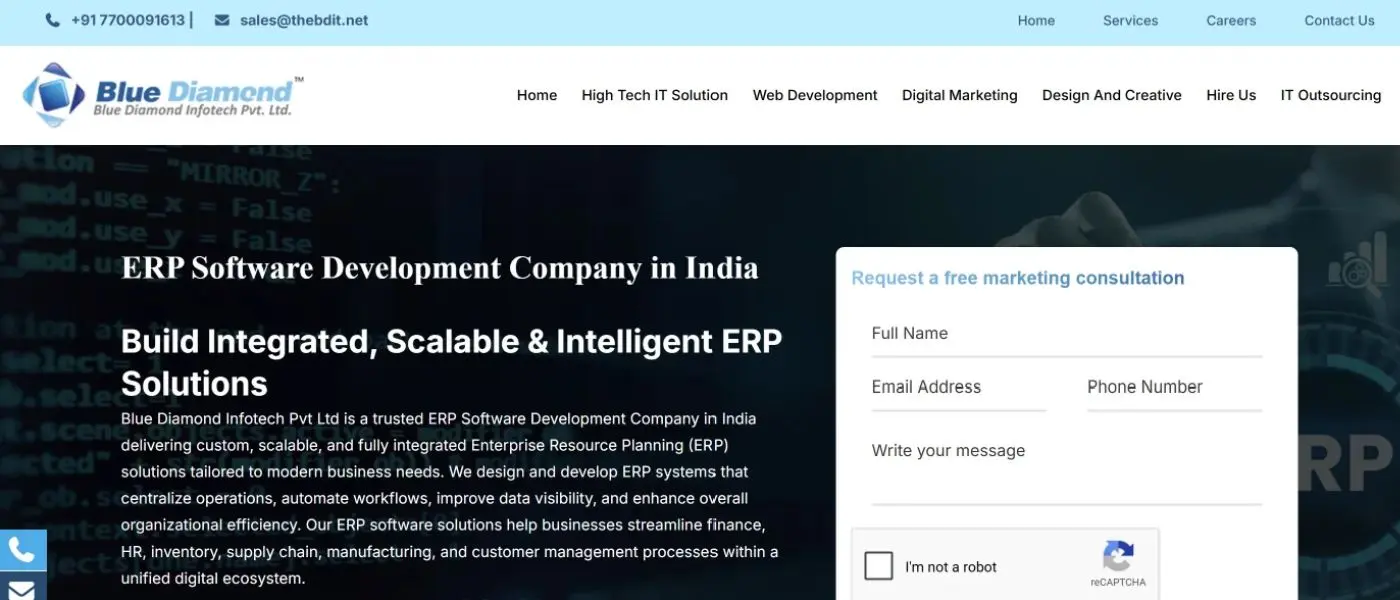
- Provider type: custom ERP development provider.
- Consider it if: you want custom ERP with a focus on production control.
- Manufacturing capabilities described: production planning, scheduling and production control.
- Evidence gaps: MRP, BOM, machine monitoring and shop-floor features are not specified in the research. That does not mean they are unavailable, so ask.
- Fit note: worth shortlisting if production scheduling is your main need.
8. Appinventiv (enterprise and custom ERP services)
- Provider type: custom and enterprise ERP development services.
- Consider it if: you want enterprise-level ERP consulting and custom development.
- Services described: ERP consulting, custom workflows, integrations, migration and analytics. The material reviewed does not establish a standardized, ready-made manufacturing ERP product.
- AI positioning: advertises AI capabilities (company claim).
- Evidence gaps: manufacturing scope.
- Fit note: may suit buyers who want consulting and a custom build, and who will define the manufacturing needs themselves.
9. Invoidea Technologies (custom ERP development)

- Provider type: custom ERP development provider.
- Consider it if: you want custom ERP with dashboards and ongoing support.
- Services described: custom ERP, integrations, dashboards, migration, cloud and support. Manufacturing modules are not specified.
- Evidence gaps: manufacturing modules.
- Fit note: request examples of manufacturing ERP implementations and ask the team to demonstrate the production workflows relevant to your business.
10. TallyPrime (general business-management software)
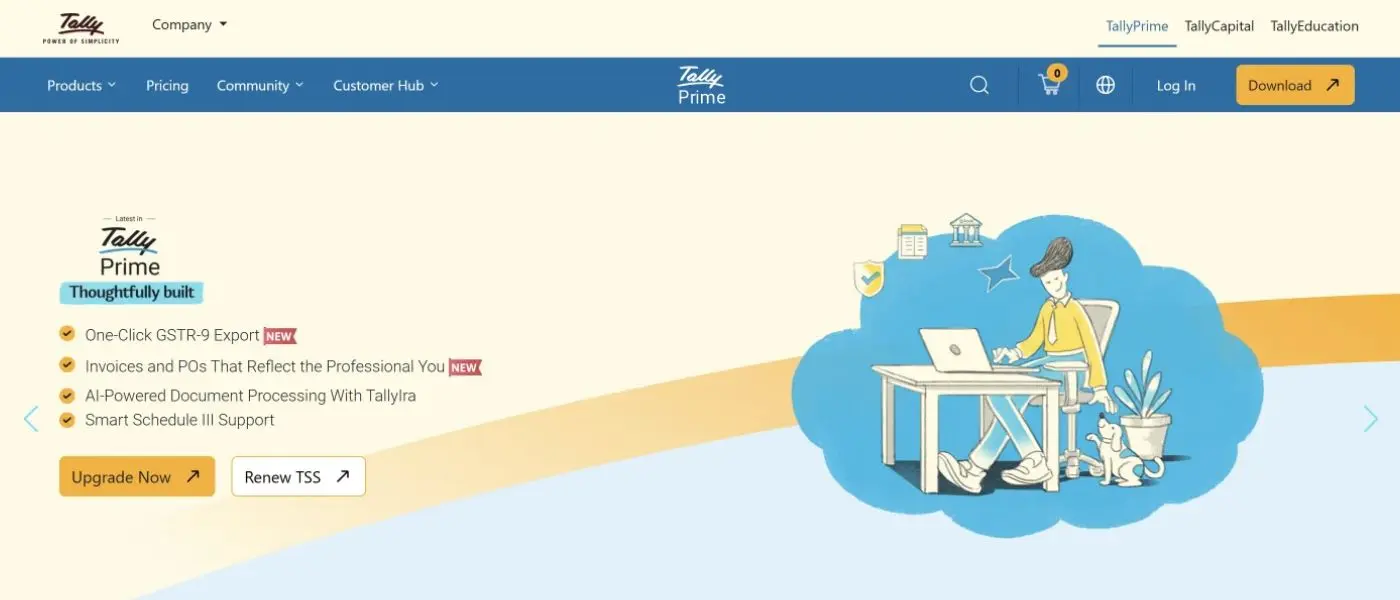
- Provider type: general business-management software from a product vendor.
- Consider it if: accounting, billing and GST are your main needs.
- Capabilities described: accounting, billing, GST, invoicing, inventory and reporting. Exact manufacturing functionality and edition should be confirmed with Tally.
- Evidence gaps: edition and manufacturing features.
- Fit note: worth checking if accounting, billing and GST are your main need. Check whether it covers your production steps.
These ten profiles cover different types of providers. The next section helps you decide which type suits your business.
ERP product, SAP partner, custom developer or business software: which fits?
Route | What it is | Usually suits | Watch out for |
|---|---|---|---|
Ready ERP product (BizSol ERP AI+, ZYNO) | Software you configure | Manufacturers who want faster setup | Fit with unusual processes |
SAP Business One partner (ZypleSoft) | SAP software set up by a partner | SAP-based businesses | Core versus add-on costs |
Custom development (Arobit, Corewave, Blue Diamond, Appinventiv, Invoidea) | Software built for you | Unique workflows | Longer planning, support and code ownership |
General business software (TallyPrime) | Accounting-led tools | Finance-first needs | Production depth |
Matiyas Solutions describes ERP and digital transformation services. Whether it sells a ready product, services or both should be confirmed with the provider, so it is not placed in a route above.
When a ready manufacturing ERP makes sense
In most cases, it works well when your processes are common in your industry. You get working modules sooner and adjust them to your needs.
When SAP Business One through a partner makes sense
It suits businesses that already use SAP or plan to. The partner’s skill matters as much as the software.
Choosing an ERP software development company in India
Custom work makes sense when no ready product fits your process. Decide that first, because a custom build usually needs more planning than a ready product.
If you do hire an ERP software development company in India, check these points before you sign:
• Scope: which manufacturing modules, such as MRP, BOM or quality checks, are in the first release.
• Code and data ownership: who owns the source code and your data.
• Documentation: what you receive after launch, so you are not tied to one team.
• Support: what happens after go-live, and what it costs.
• Migration and integrations: how old data moves in, and what connects to banks, accounting tools or machines.
• Proof: a demo or a reference from a similar manufacturer.
In this guide, Arobit, Corewave, Blue Diamond Infotech, Appinventiv and Invoidea describe custom ERP development. Their websites show different levels of manufacturing detail. Use the company profiles above to prepare questions, not as a verdict. A short website description does not mean a feature is missing, because a custom build can include what you agree in the scope.
When accounting-led software may be enough
If you mainly need billing, GST and stock records, it may be enough. Once you need material requirements planning (MRP), bills of materials (BOM) or shop-floor production tracking, check whether the software supports them in enough detail.
Choosing by business size
Business size is a guide, not a rule. Production complexity, stock needs and the number of locations matter more than headcount. In many cases:
• Smaller manufacturers with simple operations often find a ready product or accounting-led software easier to start with.
• Growing manufacturers with several branches or plants usually need stronger production, stock and approval controls across locations.
• Businesses with unusual processes may consider custom development, once they know what a ready product cannot do.
Whatever your size, ask each provider to show your own process.
Cloud, on-premise or hybrid ERP: which fits?
Cloud ERP runs on the provider’s hosting. On-premise ERP runs on your own servers. Hybrid setups mix the two.
Cloud is often quicker to start and easier to use across locations. On-premise gives you more control over servers and may suit businesses with strict internal rules. In this guide, BizSol describes cloud and on-premise options, and Invoidea mentions cloud. Deployment is not specified for most other providers in the research, so ask each one. Also compare who handles upgrades and backups, how much you depend on internet connectivity, and what hardware and upkeep on-premise needs. Neither option is automatically more secure or cheaper, and hybrid setups are worth asking about.
ERP implementation: stages and common challenges
Most ERP projects follow similar stages, whichever provider you choose.
- Requirement analysis: map your processes, users and reports.
- Configuration or customization: set up modules and workflows.
- Data migration: move items, vendors, customers and opening stock.
- Training: teach each team the screens it will use.
- Go-live and support: start using the system and fix early issues.
Common challenges include unclear scope, poor data quality, untrained staff and too many customizations at once.
Data migration and integrations
Clean your data before you move it. Duplicate item codes or wrong opening stock will carry into the new system. Also list what must connect, such as banks, accounting tools or machines, and ask who builds and supports each link. Corewave, Appinventiv and Invoidea mention migration on their sites. BizSol describes bank API integration.
Security and data ownership
Start by asking where your business data is hosted and who can access it. Check whether users have role-based permissions and how backups are kept. Also confirm that you can export your data if you change ERP providers. For custom builds, confirm who owns the code. We have not verified security claims for any provider in this guide.
What affects ERP cost?
We did not find pricing for any of the ten providers in the material reviewed, and we do not estimate it. Costs usually depend on:
• Subscription, licence or development fees
• Number of users, plants and branches
• Customization and integrations
• Data migration from old systems
• Training and support
• Cloud hosting or on-premise servers
Ask every provider for a written quote that shows each of these items, and compare quotes on the same users, modules and support period. The first licence or development fee is only part of the total cost of ownership. Over time, hosting, maintenance, upgrades, integrations, support and extra users can add to it.
How to shortlist ERP providers and run demos
Before you contact vendors
List your main processes, number of users, plants, and systems you need to connect, such as banks or accounting tools.
Questions to ask every provider
• Which manufacturing modules are included, and which cost extra?
• Can you show MRP, BOM and quality checks on my own sample data?
• Is it cloud, on-premise or both?
• How do you handle migration and training?
• Can I speak to a customer with a similar business?
• What does support cover after go-live?
How to run a useful demo
Give each vendor the same scenario, such as one order from purchase to dispatch. This makes the comparison fair and shows real gaps.
A manufacturing scenario could follow these steps: purchase raw material, record incoming stock, create a production order, allocate material, track production progress, record quality checks, update finished goods and complete dispatch. Use only the steps that match your process.
Red flags
• Only generic feature lists
• No demo on your own process
• Unclear ownership of custom code
• Claims of guaranteed results
• No clear implementation timeline
• No clear owner for data migration
• No written scope for customization or support
• Also avoid treating missing website detail as a missing feature. Ask first.
Simple scoring grid
After your demos, score each provider from 1 to 5 on manufacturing fit, ease of use, deployment, integrations, support and pricing clarity. Give extra weight to what matters most to you, such as manufacturing fit if production is your main need. Score each provider on your own requirements rather than relying on a general ranking. We have not scored any provider here.
FAQs about ERP software companies in India
What are the top ERP software companies in India?
This guide compares BizSol ERP AI+, Arobit, ZYNO by EliteMindz, Matiyas Solutions, ZypleSoft, Corewave, Blue Diamond Infotech, Appinventiv, Invoidea and TallyPrime. They differ in type, so compare product vendors, partners and custom developers separately.
What is the difference between an ERP product and an ERP software development company?
An ERP product is ready-made software you configure. An ERP software development company builds software to your requirements. Products are usually quicker to start. Custom builds offer more control but need more planning.
How do I choose an ERP for a manufacturing business?
Start with your processes, such as MRP, BOM, production planning and quality checks. Shortlist providers whose manufacturing features are documented, then ask for a demo using your own scenario. Check how the system handles purchase, material planning, production orders, stock updates and quality checks in one connected flow.
What should I check before choosing SAP Business One through a partner?
Ask which features are SAP core and which are partner add-ons. Also ask about customization, support and integration costs. ZypleSoft describes itself as an SAP Business One implementation partner.
Is TallyPrime enough for manufacturing needs?
TallyPrime is described as software for accounting, billing, GST, invoicing, inventory and reporting. Whether it covers your production needs depends on the edition and your process. Ask Tally or a partner to show your manufacturing workflow first.
What affects ERP cost in India?
Cost depends on the provider type, number of users, customization, integrations, migration, training and support. Ask for a written quote that lists each item.
Should I choose custom ERP development or a ready product?
Choose a ready product if your processes are common. Choose custom development if no product fits your workflows. In many cases, manufacturers compare both before deciding.
What should I ask in an ERP demo?
Ask the vendor to show one real order from purchase to dispatch. Check MRP, stock updates, quality checks and reports. Also ask what is included and what costs extra.
Is cloud or on-premise ERP better for a factory?
Neither is better for every factory. Cloud ERP is usually quicker to start and easier to use across locations. On-premise gives more control over servers and data. Ask each provider which options it offers. BizSol describes both, while most other providers in this guide do not specify.
Conclusion: choosing among ERP software companies in India
The best choice depends on your business requirements, not just a list of ERP software companies in India. Manufacturers who want a ready-made ERP system often start with a product vendor. SAP-based businesses usually consider implementation partners, while companies with unique workflows may prefer custom ERP development. Accounting-led businesses may begin with finance software and expand as their operations grow.
When comparing ERP software companies in India, look beyond the features listed on their websites. Consider manufacturing modules, production planning, inventory management, implementation support, deployment options and how well the software fits your existing business processes.
If you are evaluating ready-made manufacturing ERP systems, include BizSol ERP AI+ on your shortlist and compare its modules against your actual production requirements.
Want to see how BizSol ERP AI+ handles production planning, inventory and quality checks? Register for a BizSol demo and bring a sample pro